
Published Feb 16th, 2/16/26 5:52 am
- 101 views • 5 today
- 10
- 7
- 3
73
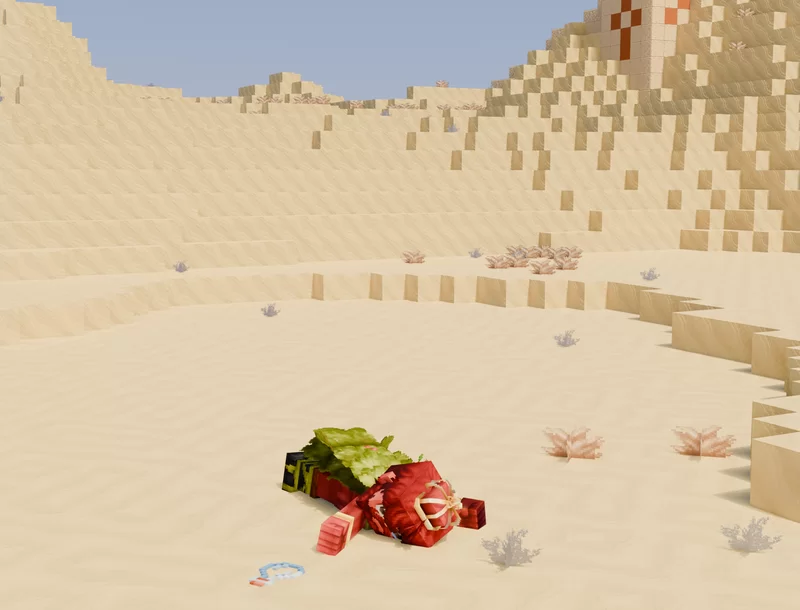
Yay a full proper Hytale Blender render! (Kinda)
I made this by importing a Minecraft world, making my own texture pack with the Hytale assets (it's for personal use I won't make it public because that's copyright) and applying it =D
I then imported my avatar from Blockbench and spent a painstaking amount of time selecting all the parts and changing the origin to pose it (the desert temple uses Hytae assets too it's just a little harder to tell)
I think the procedural PBR I applied works quite well, especially for the sand, what do you think?
(He's not dead he's just thirsty... Someone let him know there is a village over the hill opposite the temple 👀 (there actually is though when I imported it I accidentally selected the village too))
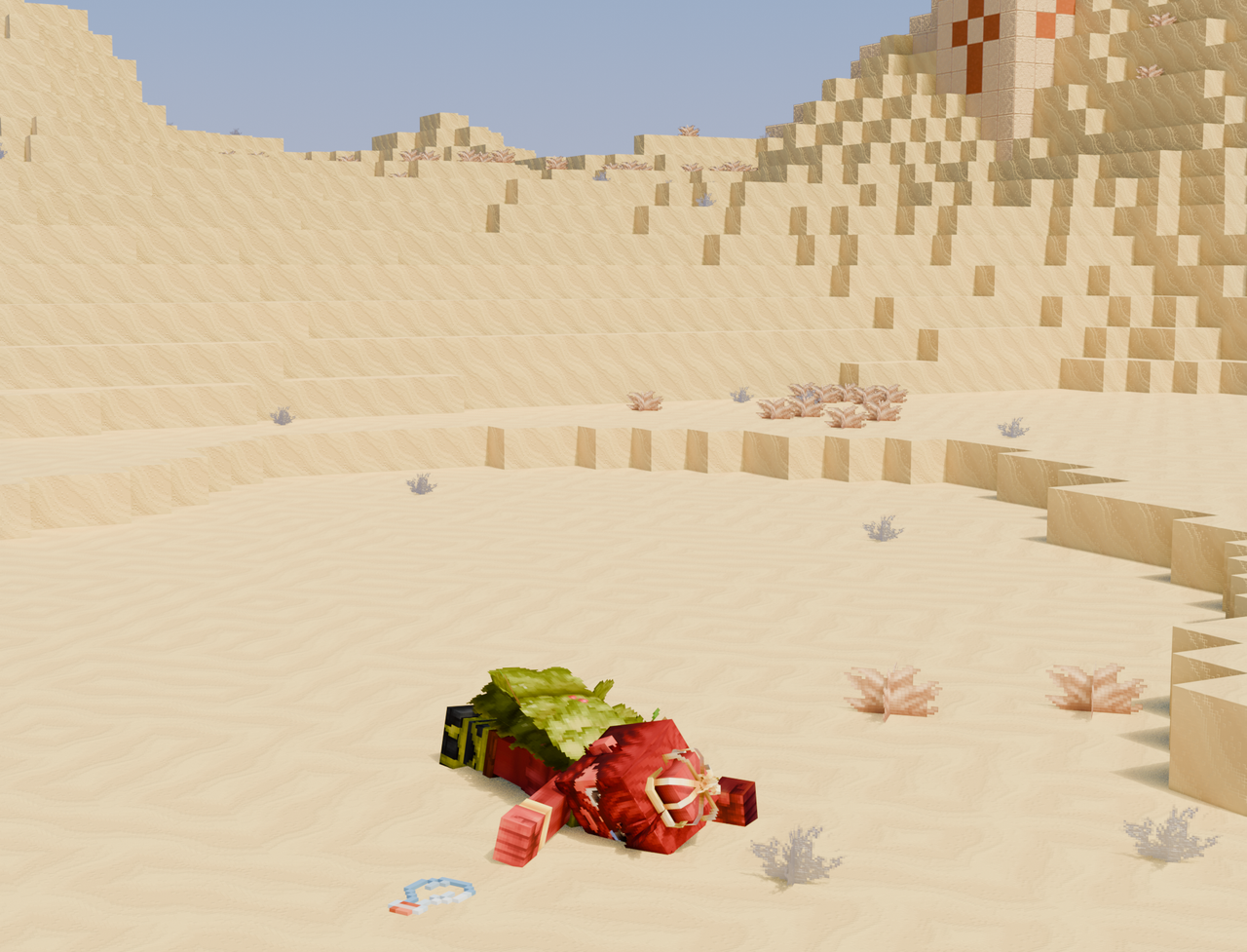
(This image is slightly better quality)
I made this by importing a Minecraft world, making my own texture pack with the Hytale assets (it's for personal use I won't make it public because that's copyright) and applying it =D
I then imported my avatar from Blockbench and spent a painstaking amount of time selecting all the parts and changing the origin to pose it (the desert temple uses Hytae assets too it's just a little harder to tell)
I think the procedural PBR I applied works quite well, especially for the sand, what do you think?
(He's not dead he's just thirsty... Someone let him know there is a village over the hill opposite the temple 👀 (there actually is though when I imported it I accidentally selected the village too))
(This image is slightly better quality)
| Tags |
209
6

 Lego_Master_A
 DinowCookie
 H4racan
 Oscilllate
 Sophisticated_Traschan
 LittleTravisaincBlockyCube
 MutantArtCat
 CVP
CVP
 Eevee
Eevee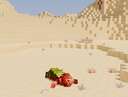
Want to comment or give Power Crystals?