
Published today, 3/1/26 11:13 am
- 10 views • 10 today
- 4
- 1

58
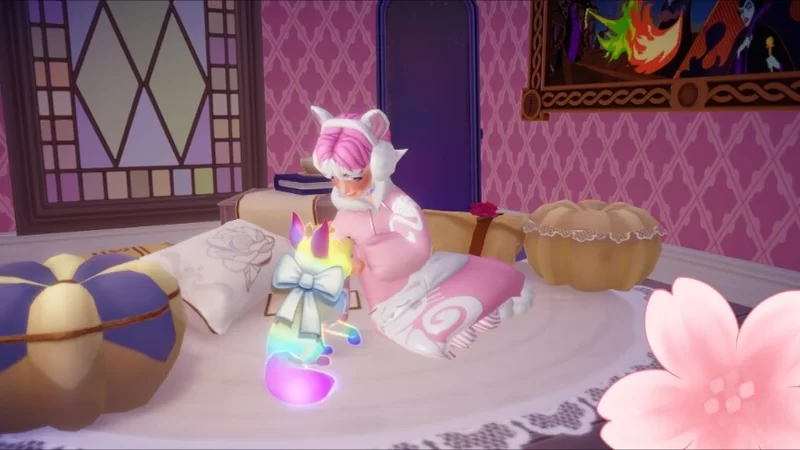
Now I don't know if this works on other platforms but if you are on computer then it should work. Okay so step one sit on a chair or stool or couch (pretty much anything you can sit on), next you want to go into furniture mode (press f) then leave furniture mode (press f again) you should still be sitting on the furniture, and finally you want to click the same button you use to activate camera mode. Now you already have youre camera out so you don't need to press the key to make it appear in ur hand.
Hope this helps!
Hope this helps!
278
6


 The_ORIGINAL_Architect
 Lego_Master_A
 Dipskiff
 DinowCookie
 H4racan
 Oscilllate
 Sophisticated_Traschan
Want to comment or give Power Crystals?